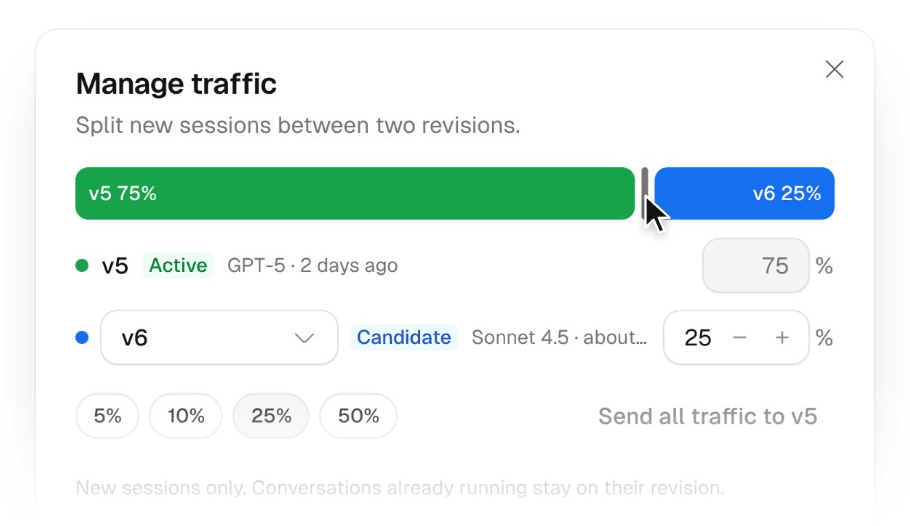
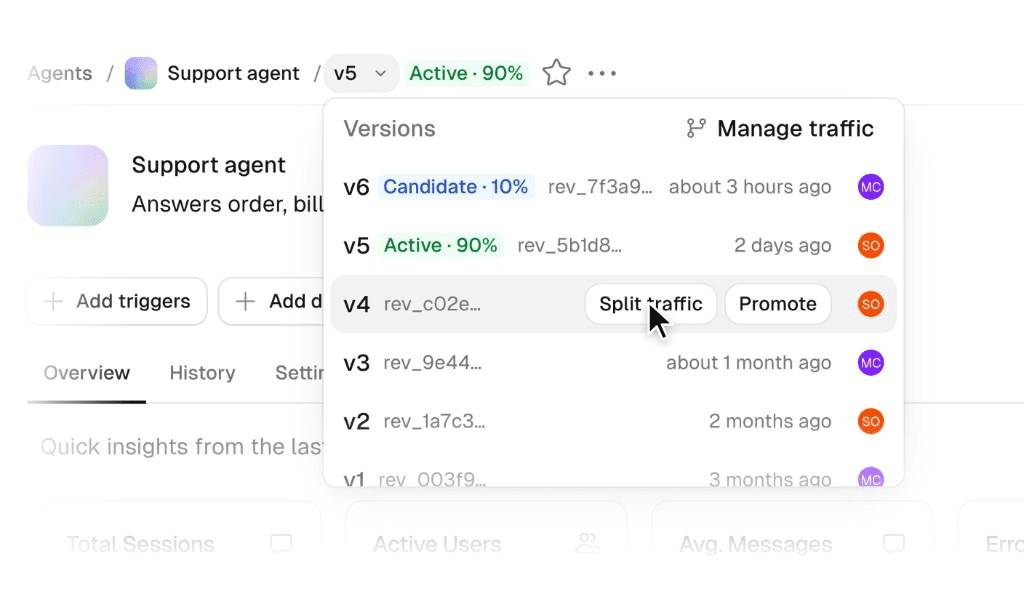
Try a new agent revision on live sessions before making it active for everyone. Save your changes without publishing, then split new sessions between the active revision and one candidate.
For example, after updating an agent’s instructions or model, send 10% of new sessions to the candidate while the active revision handles the other 90%. Compare responses and evaluation scores by revision, then adjust the share or promote when you’re confident. You can learn from real usage without switching everyone at once.
With traffic splits, you can:
Start a split: choose a saved revision as the candidate and set its share of new sessions. The active revision gets the rest.
Adjust the share: changes apply only to new sessions. Each running session stays on the revision it started on while that revision remains in the split.
Promote when ready: promoting ends the split. Later messages use the revision you promoted.
You read the results and make the call. Scout does not pick a winner or roll back for you. Learn more in Agent Versioning.